
Connect via mobile device
You can take SEO Gets with you anywhere without downloading an app. SEO Gets is a mobile web app that gives you a full-screen, app-like experience right from your home screen. If you want to access all of your SEO Gets dashboards for all of your properties while on the go, follow the steps below.
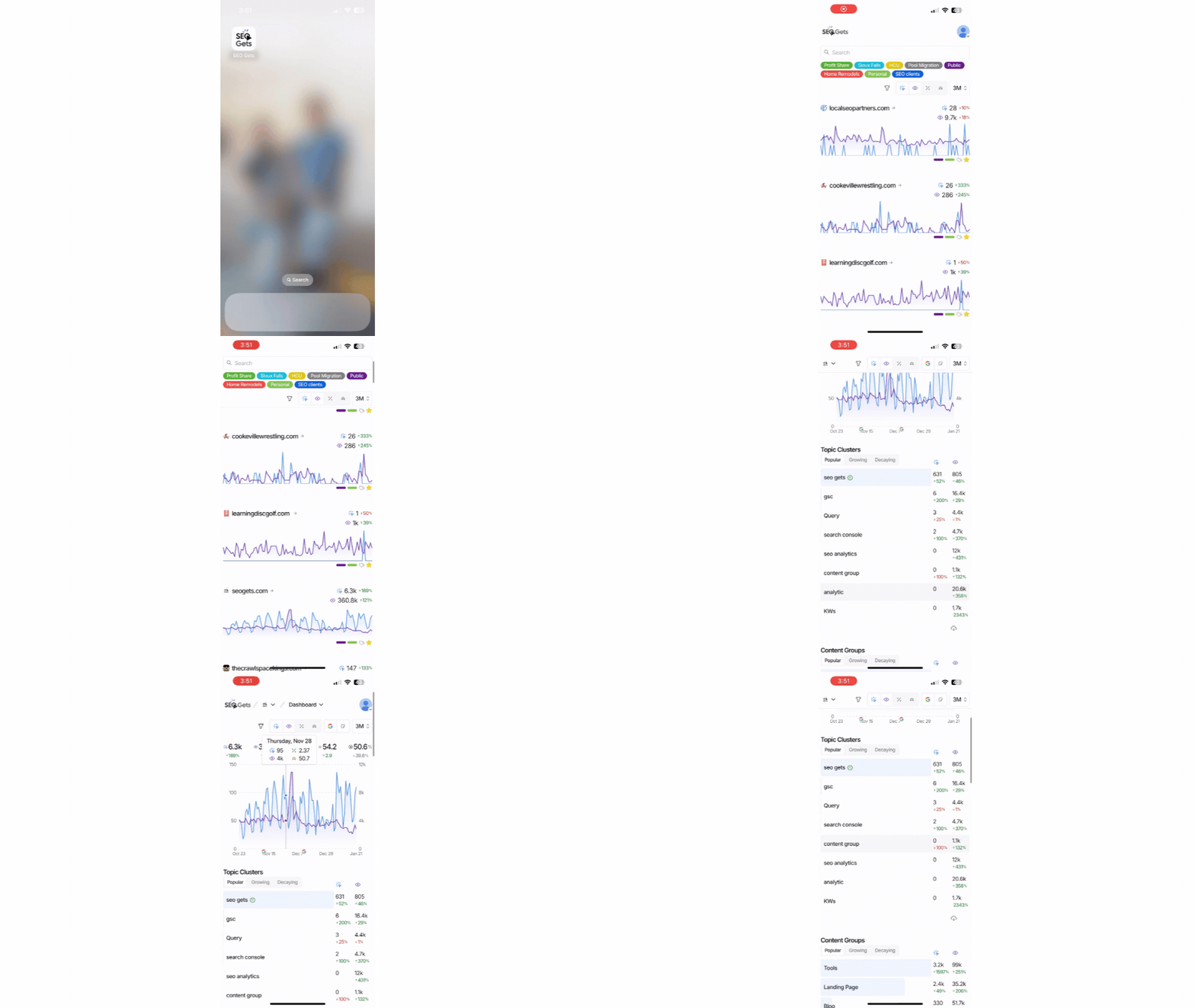
Set up SEO Gets on your phone
Getting SEO Gets onto your phone takes less than a minute. Here's how:
Sign up for a free trial — If you haven't already, create your SEO Gets account at seogets.com.
Open Safari or Chrome on your phone — Use your mobile browser to visit
app.seogets.com.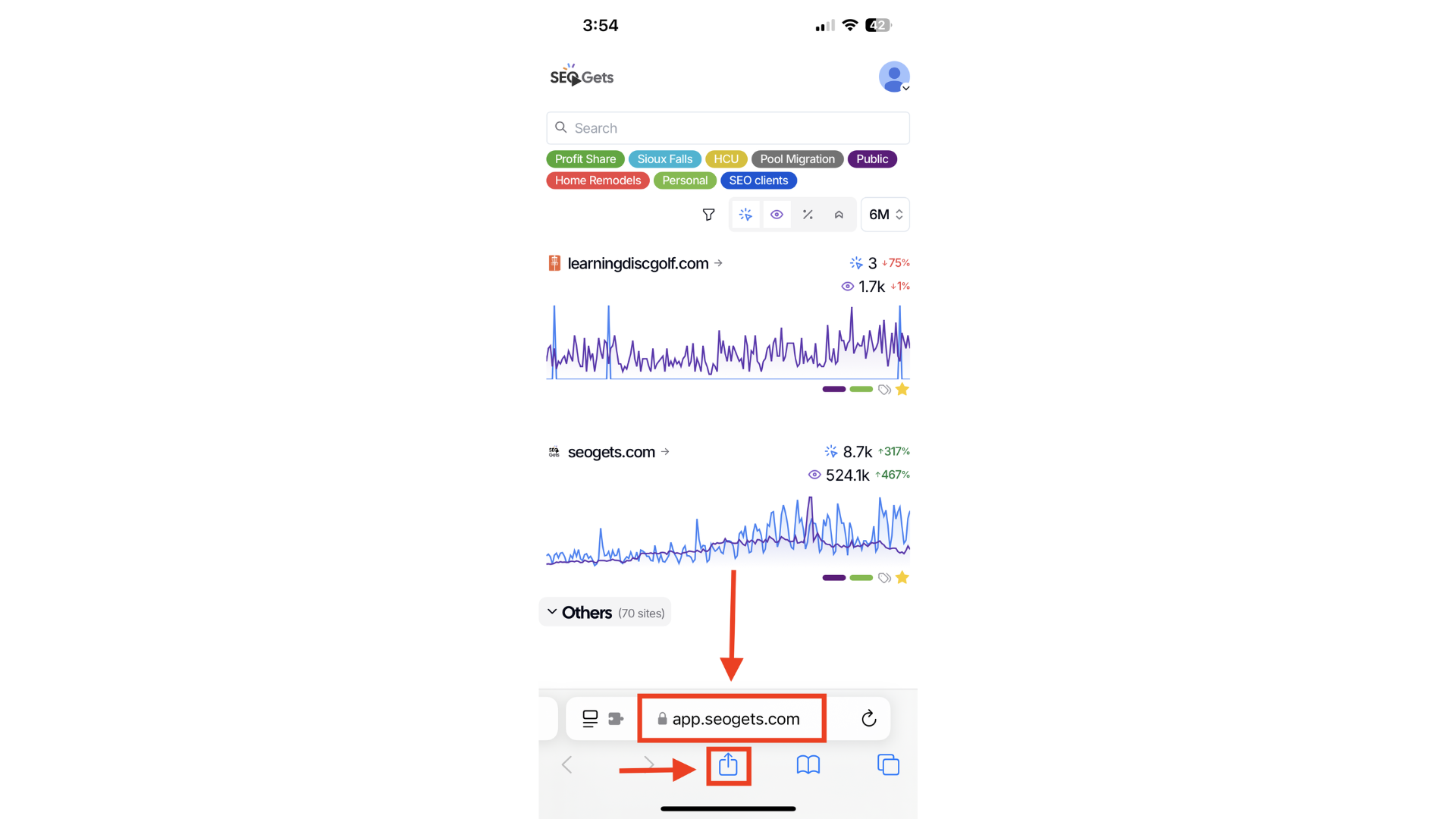
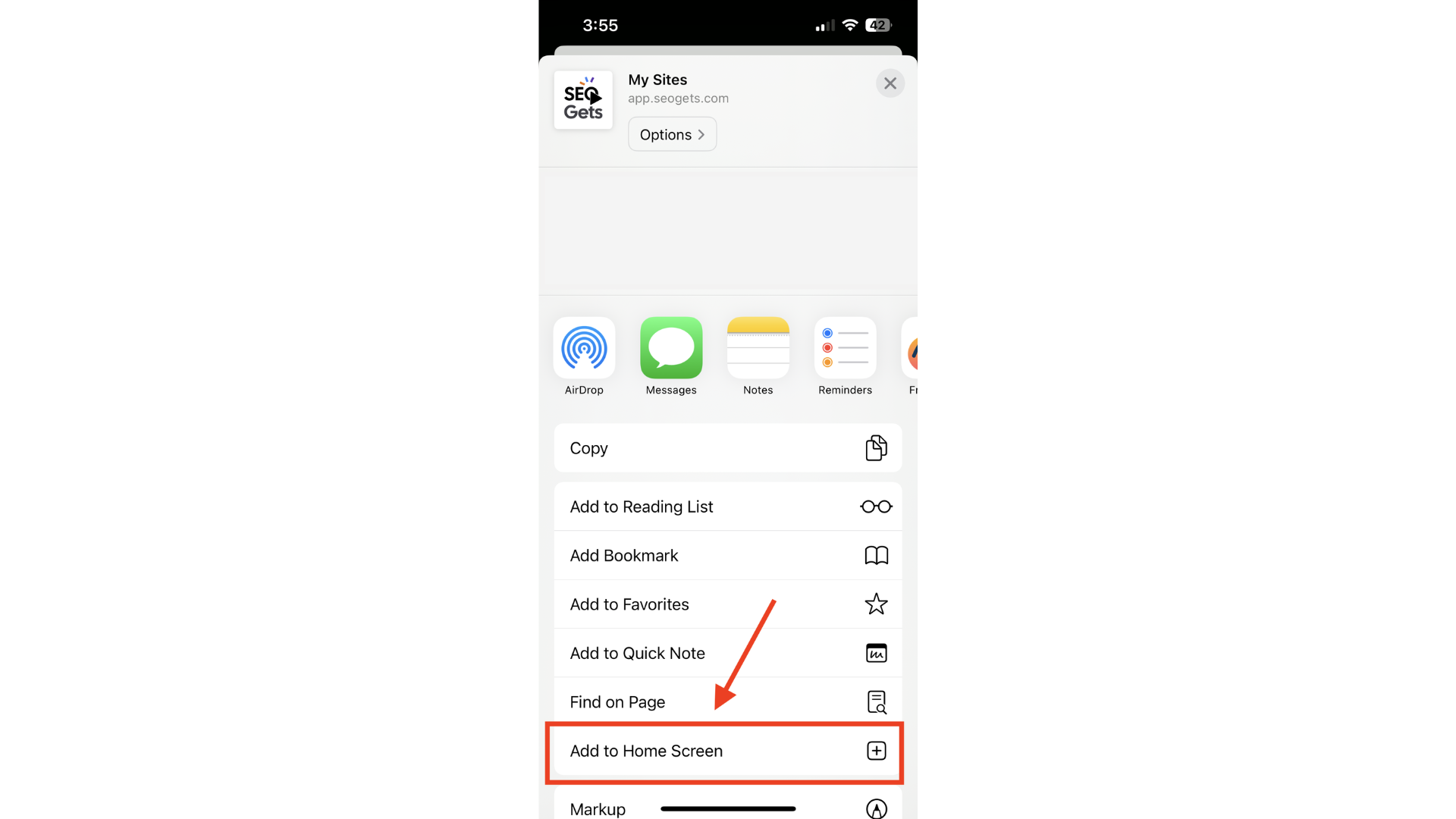
Add it to your home screen — Open your browser menu and tap Add to Home Screen.
Tap Add to confirm — That's it! You'll now see SEO Gets on your home screen.
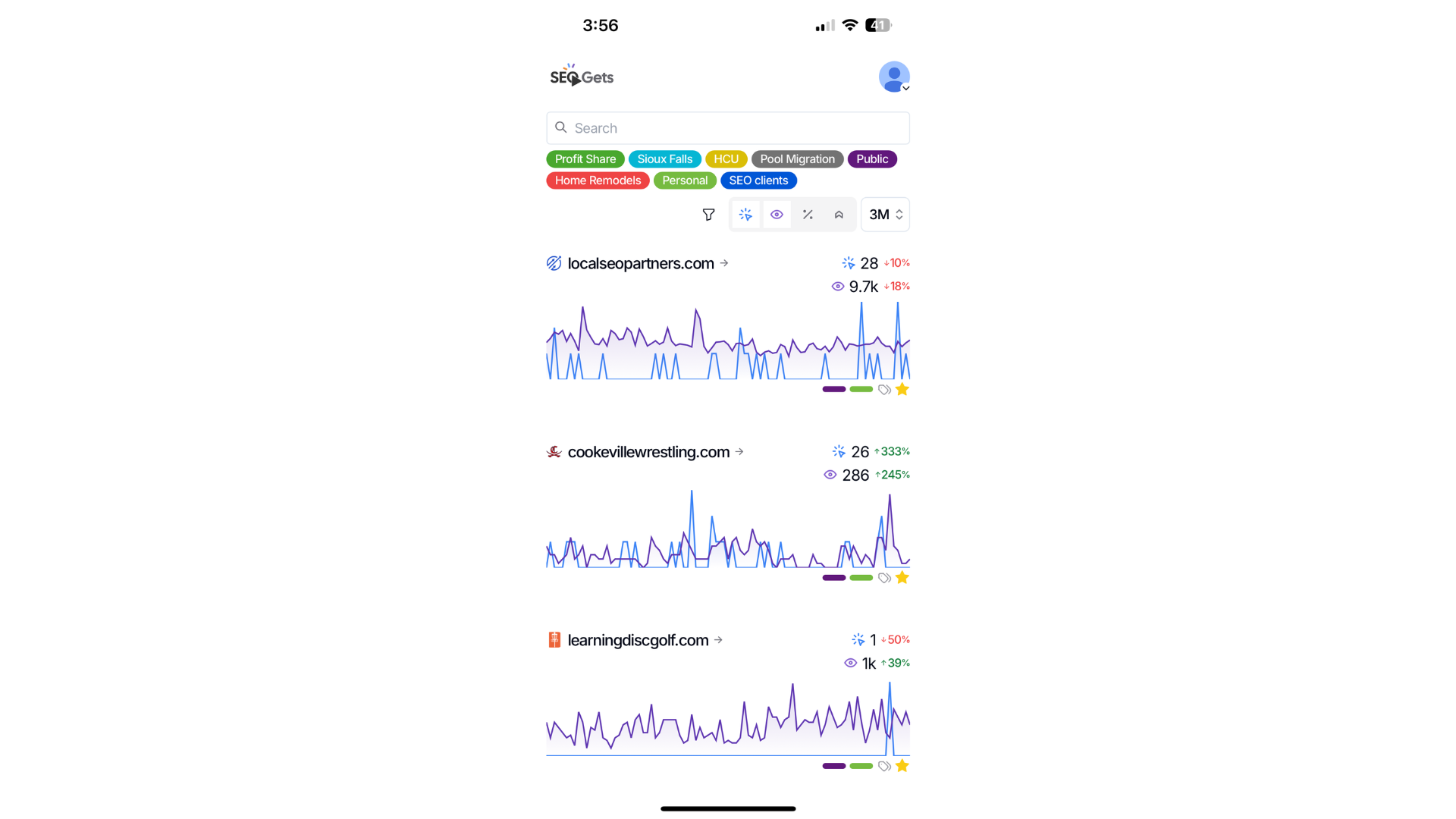
When you tap the icon, SEO Gets opens as a full-screen mobile app. You'll have the same dashboard, filters, and insights you're used to — just formatted perfectly for your phone.
What you can do on mobile
Everything you can do on desktop, you can do on mobile. Check your keyword performance, spot growth and decay trends, review your striking distance opportunities, and keep an eye on your brand tracking — all while you're on the go.
Do I need to download anything?
Nope! SEO Gets is a mobile web app, not a native app from the App Store or Google Play. This means:
No app store search required
No updates to install — you're always on the latest version
It works on both iPhone and Android the same way
Just add it to your home screen and you're set.
Related guides
Quickstart Guide — Get your account fully set up and connected
Install Chrome extension — Access SEO Gets while browsing any page
How to Use SEO Gets Anywhere — More ways to stay connected to your data