
View and download invoices
You can view past invoices from your settings and download a copy any time you need one for records or accounting.

How to view your invoices
Sign in to SEO Gets.
Open Billing & Invoices
Navigate to Invoice History for a quick view of recent invoices
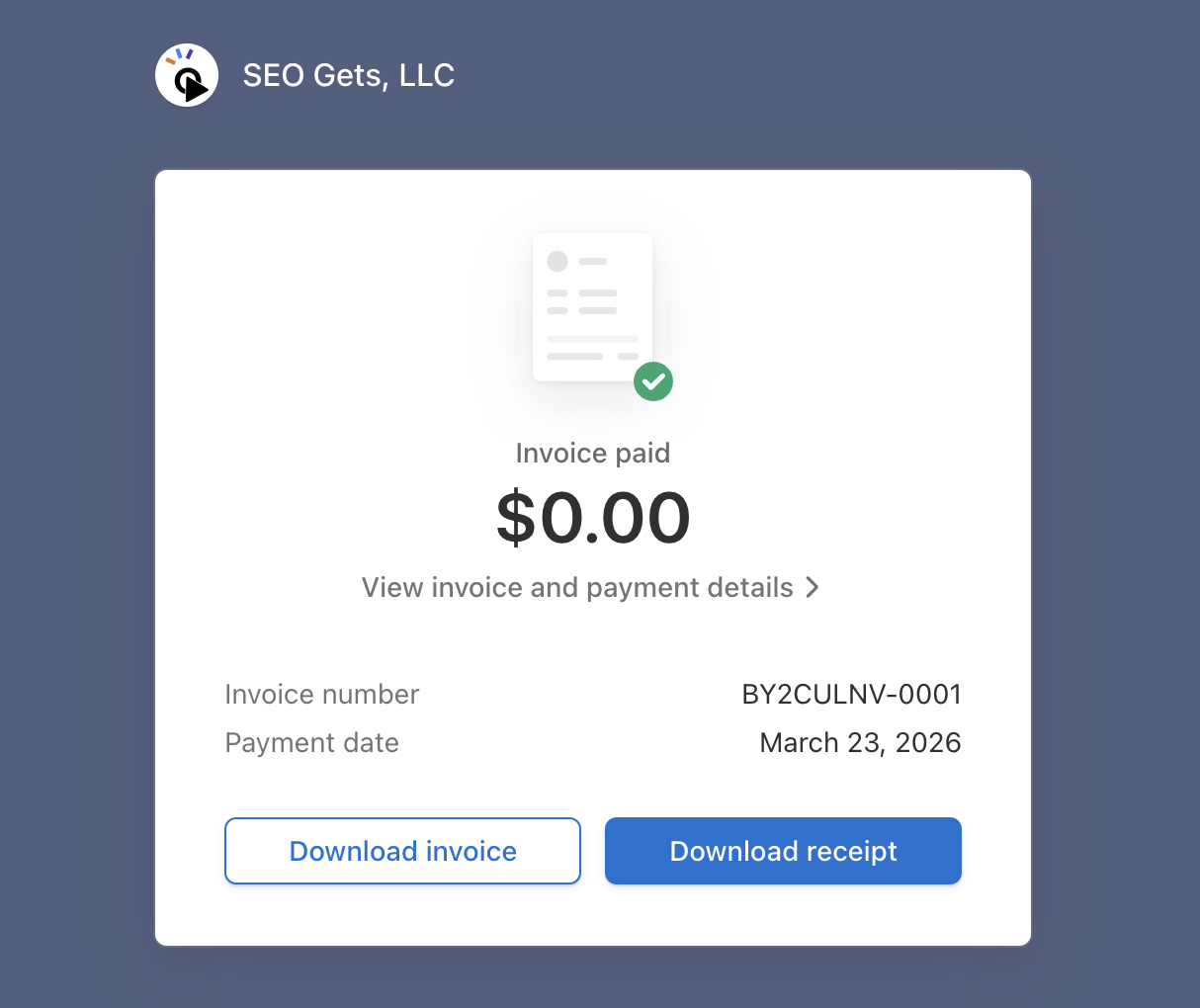
If you want to access more invoice information, click the square icon to view receipt and invoice information in Stripe.
How to download an invoice
Once you're in Stripe, you can view payment details and download invoices and receipts.
You can also download an invoice PDF from Invoice History
If you need to close your subscription instead, see How to delete your account. If you're managing billing for a shared workspace, you may also want to read How do I add my team to my account?.
For a complete walkthrough of all billing tasks — including changing your email, downloading receipts, and switching plans — see Change your billing email, download receipts, and switch plans.