
Shared link
Use a share link when you want to share one property's dashboard without giving someone access to your full SEO Gets account. You choose the property, set up the dashboard the way you want, and share that exact view with the stakeholder.
Shared links are created per property. If you manage multiple sites, you'll need a separate link for each one you want to share.
Customize the dashboard before you share it
Open the property you want to share in SEO Gets.
Set the dashboard up the way you want the stakeholder to see it.
Apply the filters and date range you want to include.
Go to Settings.
Scroll down to Shared Link.
Copy the shared link and send it to your stakeholder.
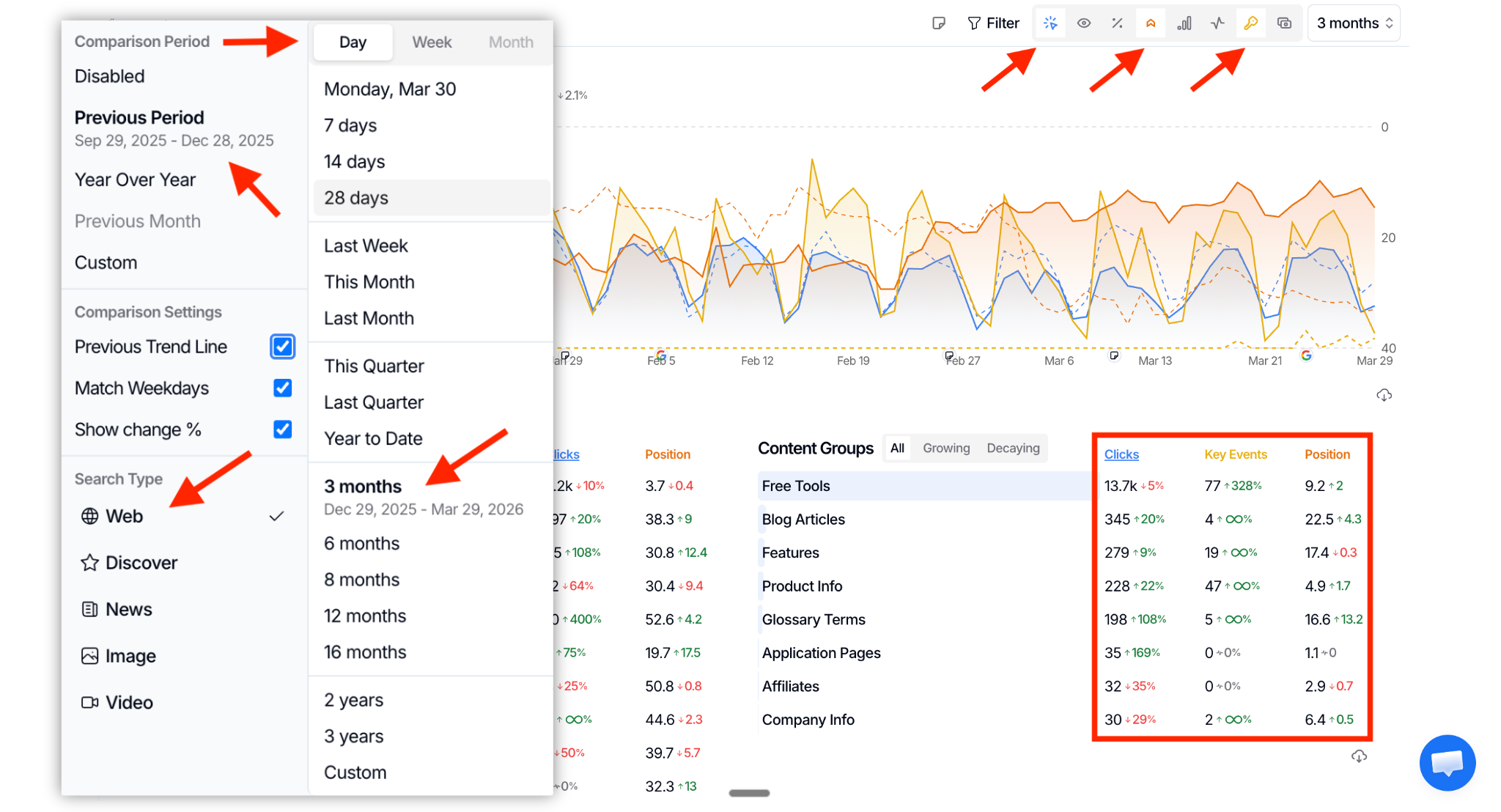
You have full control over the shared link and the experience attached to it. If you want someone to land on a specific property view, set that view up first, then copy the link from that property's shared link settings.
If you've updated the dashboard since the last time you shared a shared link, click Regenerate Link to update your link with the latest view of your dashboard.
What the stakeholder can access
The stakeholder can open the shared dashboard for that property and use the filtering options available in that shared view. They can also see annotations on the performance graph, content groups, topic clusters, and real-time data shown in the dashboard.
The link does not give them access to your full SEO Gets workspace. It only shares the individual property dashboard you chose to send, which gives you control over what property is being viewed and what setup the stakeholder lands on.
Shared links do not provide the viewer with access to the GA4, Indexing, Annotations, Opportunities, or Settings pages. To provide a user with access to these features, invite them as a contributor to your SEO Gets team.
Best practices for stakeholder sharing
Create one shared link per client or site so each stakeholder only sees the right property.
Set the date range and filters before copying the link if you want to highlight a specific report or time period.
Test the link in a private browser window before you send it.
If you want to share a dashboard as part of a broader reporting workflow, keep your views consistent so stakeholders always land on the most useful version of the property dashboard.