
Topic clusters
Topic clusters help you group related keywords so you can spot growth, decay, and content opportunities faster. They are one of the most powerful ways to assess your site's topical strengths and weaknesses.
Set up your first topic cluster
Navigate to one of your SEO Gets properties.
Go to Settings.
Scroll down to Topic Clusters.
Click New Topic Cluster.
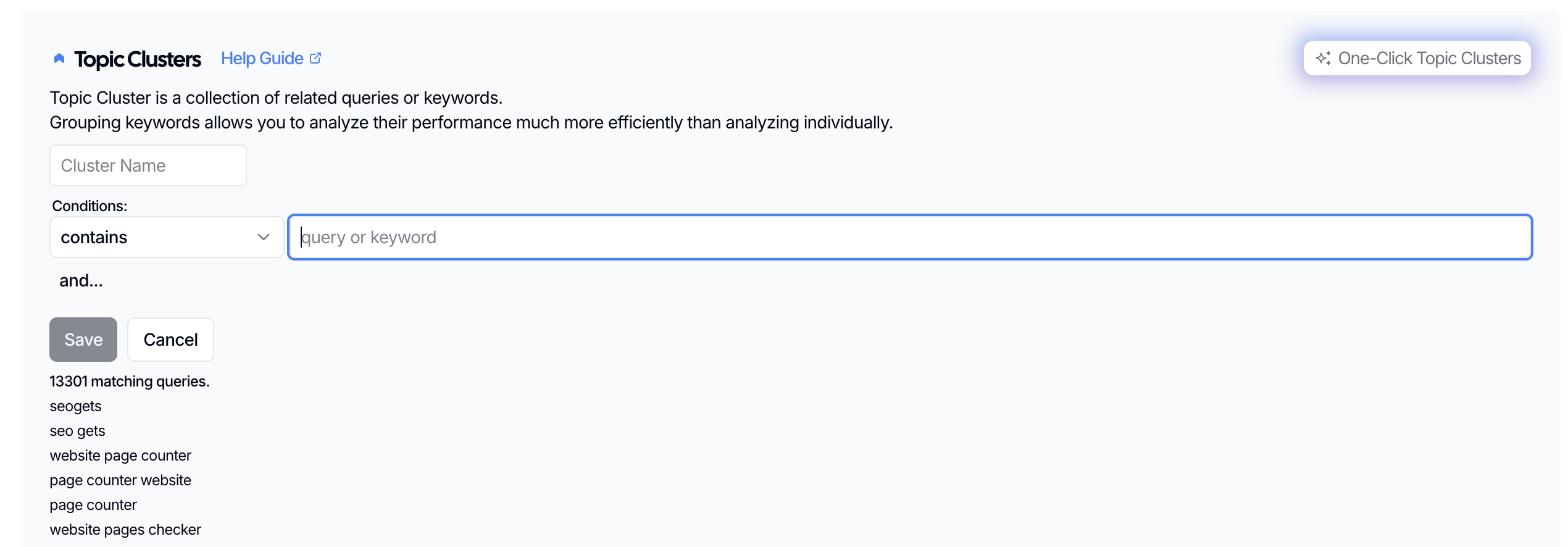
Give your cluster a name.
Now, choose a condition from the dropdown and start adding keywords to build your topic cluster. Conditions are separated into two groups: inclusion and exclusion. Inclusions help pull keywords into your cluster while exclusions help block them.
Add keywords, separating them with commas (no spaces). Hit enter when you are done.
Click Save.
SEO Gets will create the topic cluster and make it available in your reports and dashboard filters.
Accounts with AI credits can select One-Click Topic Clusters to automatically generate topic clusters. Many users have saved upwards of an hour (or more) using this feature.
What to do next
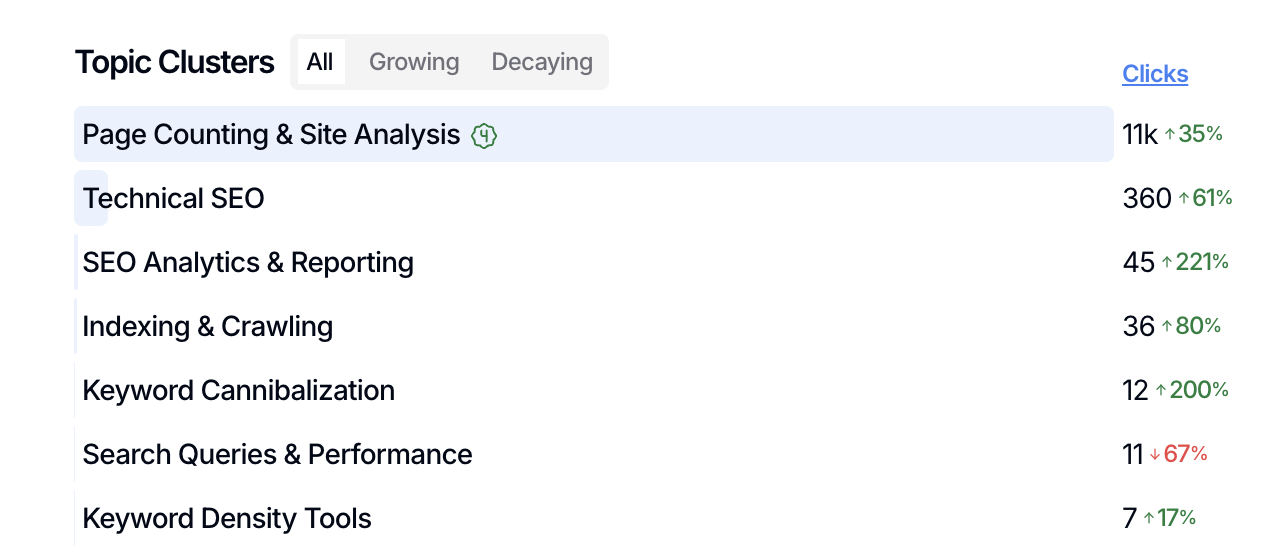
After your cluster is added, open the dashboard and filter by that topic cluster to review its keywords, pages, countries, and trend data. This is the easiest way to see whether a topic or group of topics is growing, decaying, or starting to gain traction.
Tips for your first cluster
Start with one clear topic instead of a broad list of unrelated terms.
Use keywords that describe the same intent or closely related subtopics.
If you want to compare performance across clusters, create several unique clusters for different themes instead of mixing them together.
Below, we've included an example of how we use SEO Gets to build, distinct and meaningful topic clusters.
Cluster 1: SEO Analytics
Contains: seo analytics, seo reporting, seo report, analytics seo, seo dashboard
Doesn't Contain: keyword density, cannibalization, backlink
= 394 matching queries
Cluster 2: Indexing/Crawling
Contains: google indexing, crawl, crawler, indexing, index report, page indexing
Doesn't Contain: keyword density, backlink
= 756 matching queries
Cluster 3: Technical SEO
Contains: technical seo, sitemap, xml sitemap, site structure, crawlable
= 457 matching queries
Successful topic clusters support a clear and valuable idea or group of related ideas for your website, such as specific products, personas, or use cases. In the above example, the three SEO Gets topic clusters are
If you also want to group pages by URL instead of keywords, use Content Groups from your site settings.