
Email notifications
Update your email notification preferences in Settings to enable or disable Weekly Indexing Report emails (Super Sites only).
Turn notifications on and off
Navigate to Settings
Under the Team menu, click Email Notifications
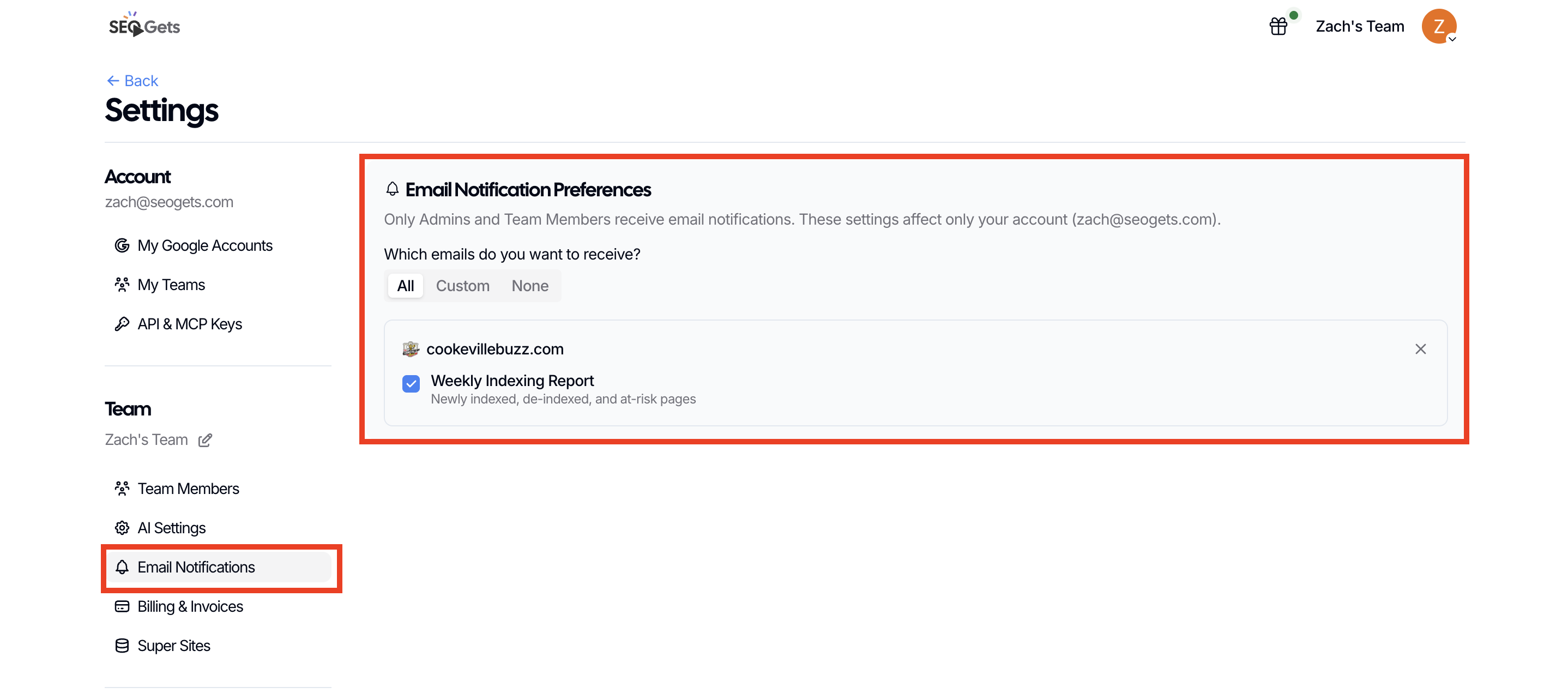
Your preference is saved automatically, so it stays the way you left it next time you log in.
Was this helpful?
Was this helpful?