
Dark Mode
Dark Mode switches SEO Gets to a dark color scheme that's easier on the eyes — especially handy for late-night SEO sessions or if you just prefer a darker interface.
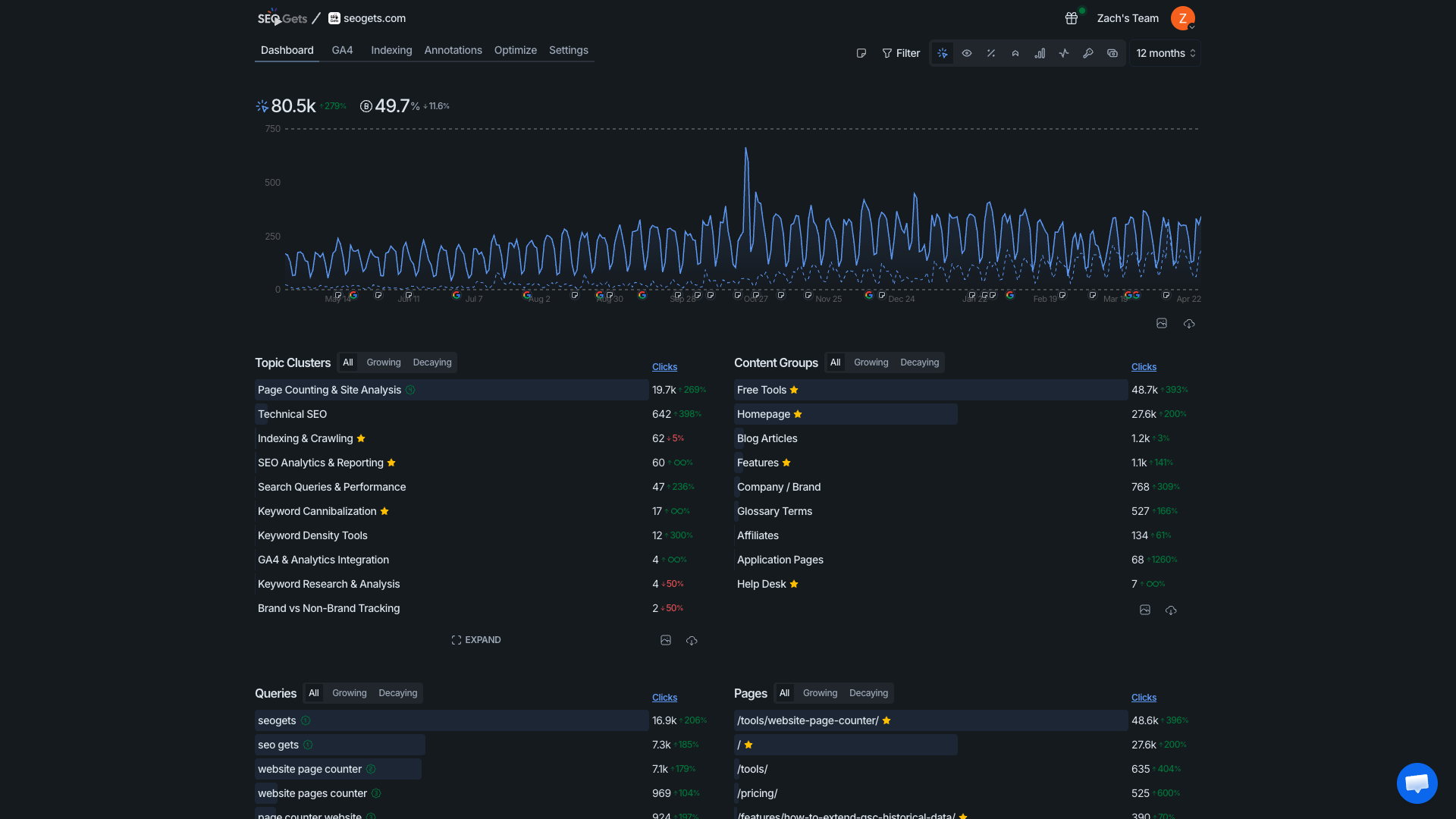
Turn Dark Mode on or off
Click your user avatar in the top-right corner of any page.
Look for Dark Mode in the dropdown menu.
Click the toggle to switch between ON and OFF.

Your preference saves automatically, so it'll stay just the way you like it next time you log in.
You'll also find Privacy Blur and Layout options in the same menu — all your personal preference controls in one convenient spot.
Was this helpful?
Was this helpful?