
Adjust layout
You can adjust the width of the screen layout in SEO Gets from Default to Wide to better fit your monitor or tailor your view to your personal preference.
Where to find it
Click your user avatar in the top-right corner of any page. The Layout option appears in the dropdown menu alongside other preferences.

Default vs. Wide
Default keeps standard padding around your content area. This is the normal view that works well for most everyday use.
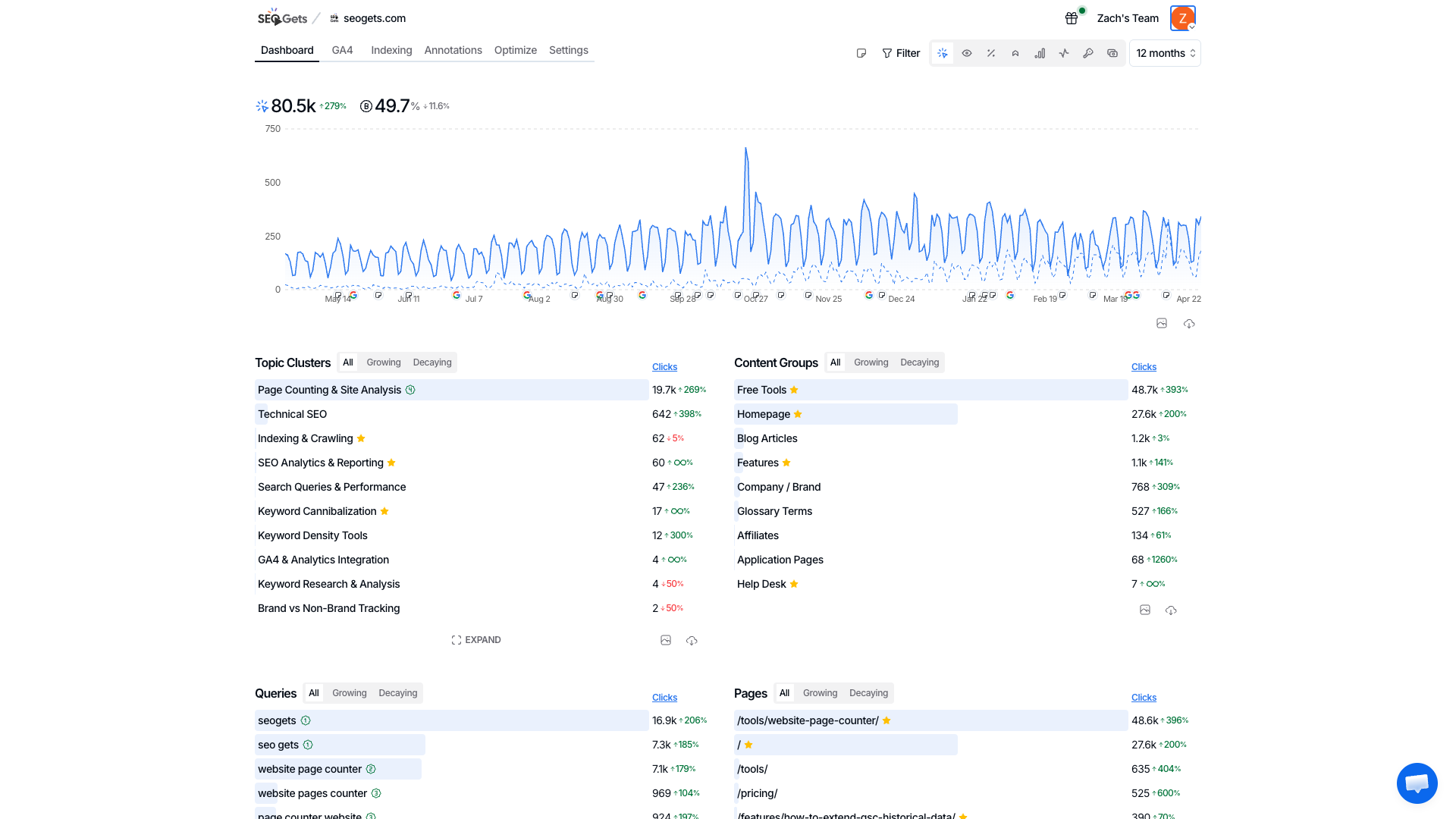
Wide expands the content area to use more horizontal space. This is especially helpful when you're working with large data tables or dashboards with lots of columns — you'll see more information at once without as much horizontal scrolling.
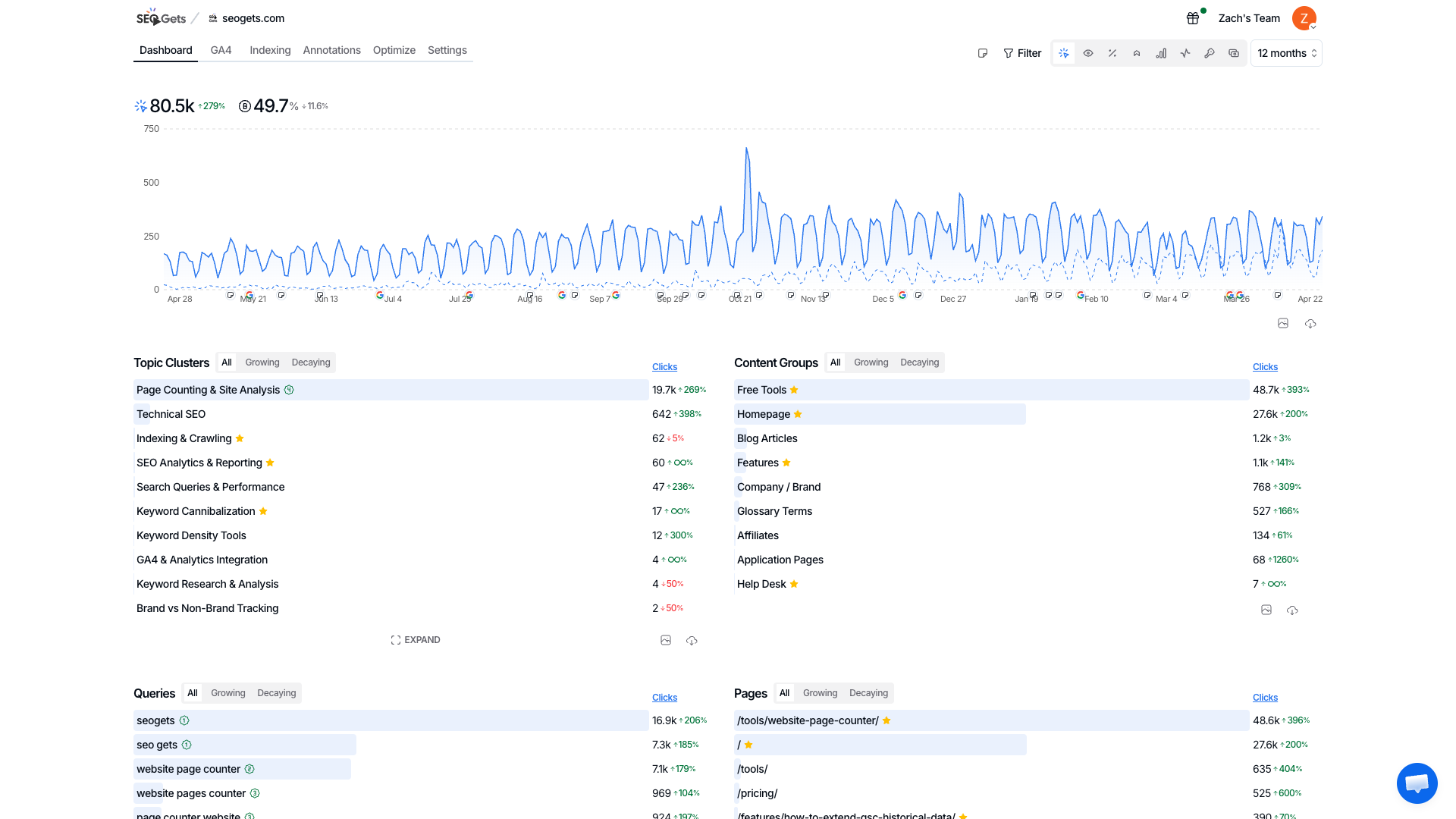
When to use Wide mode
Viewing reports with many columns (like keyword data or index reports)
Working on larger screens where you have extra horizontal space
Comparing data side-by-side without constant scrolling
Switch between them anytime. Your preference saves automatically, so it'll stick the next time you log in.