
Access the help desk
The SEO Gets help desk is available inside the app through the in-app chat or the settings menu.
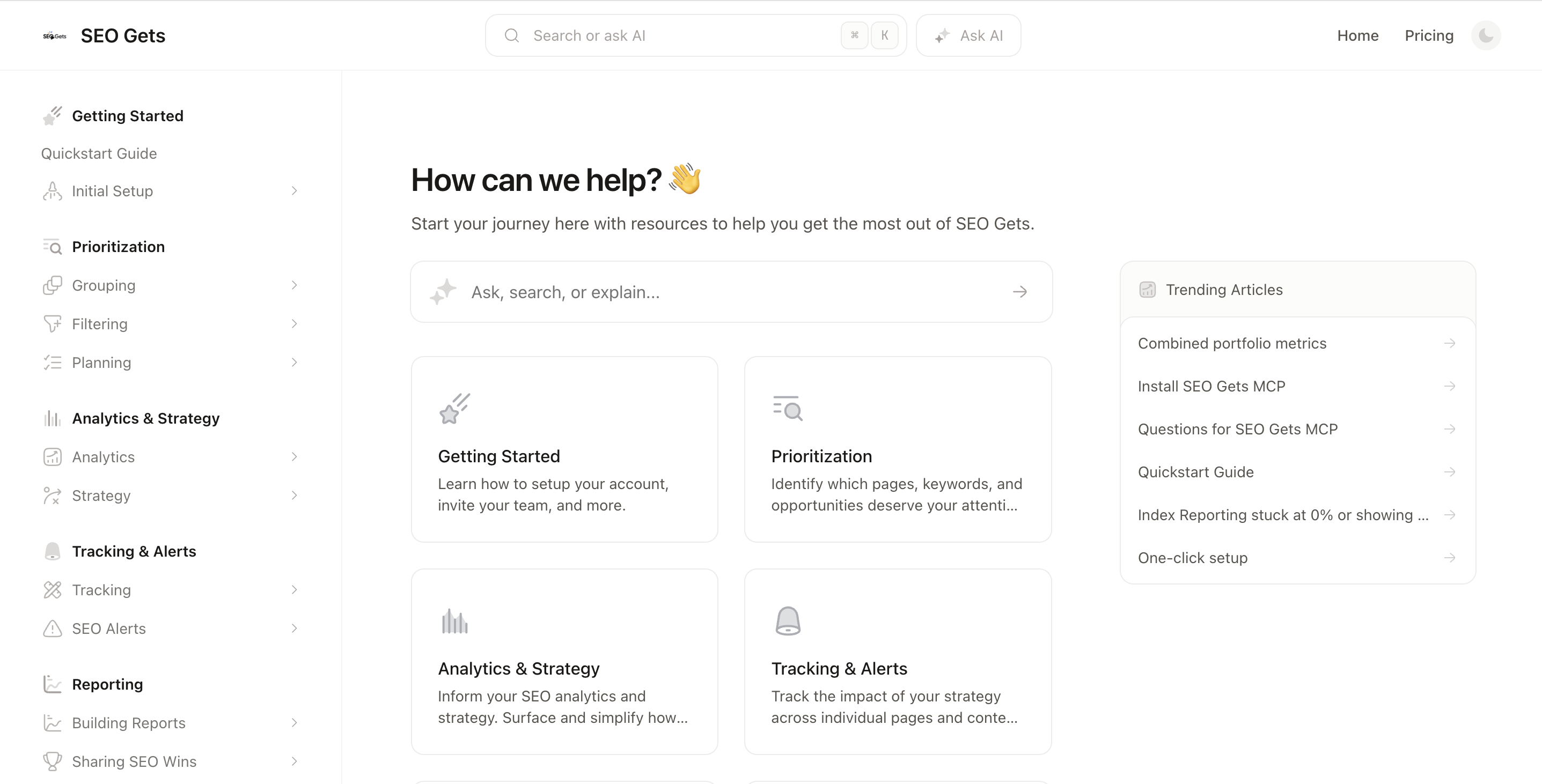
Open the help desk from the in-app chat
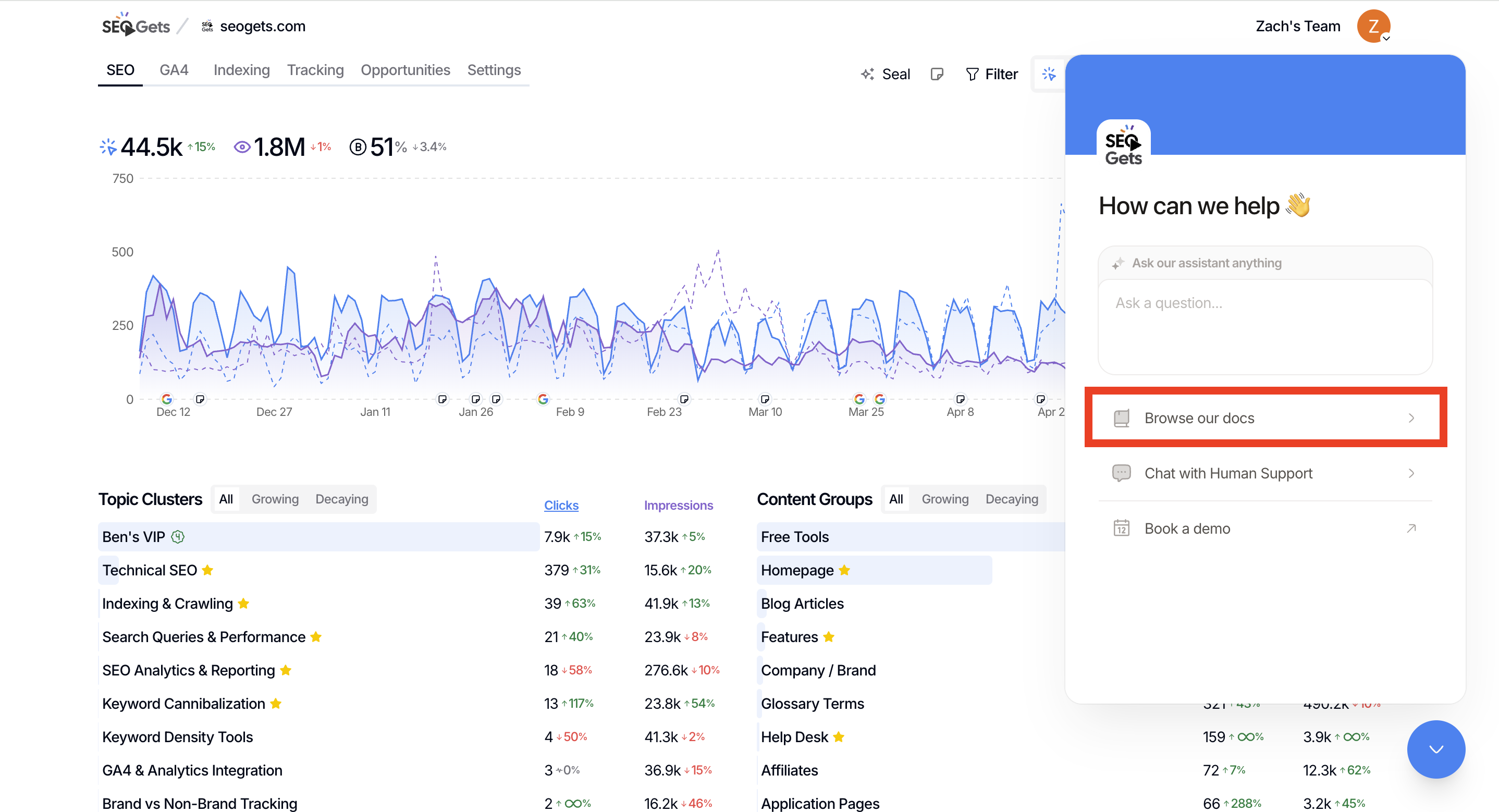
While signed in to SEO Gets, open the in-app chat.
Click "Browse our docs" to access the help desk
Open the help desk from the settings menu
Click the settings menu in your SEO Gets dashboard.
Select the "Help Center" option.
From there, you can ask questions, search for answers, or get help with your account.
Was this helpful?
Was this helpful?